Two views. Your Sudoku.
Choose a classic square or the signature 30° Diamond board. Save different portrait and landscape preferences. Turn sideways for a board that uses nearly the full screen height.
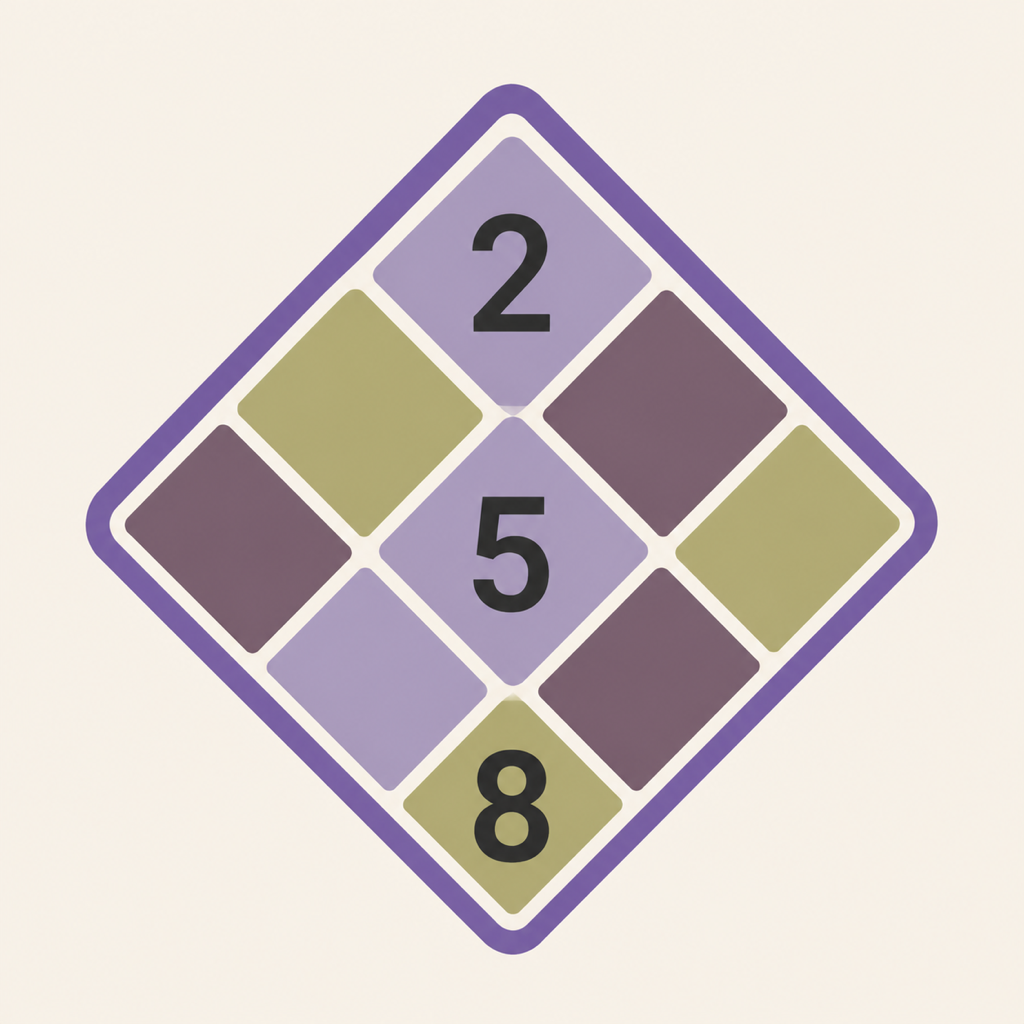
Classic & Diamond · iPhone & iPad
Two ways to see Sudoku. One satisfying next move. Choose your board, follow the logic, and discover more with every puzzle.
Download on the App StorePreviously Sudoku: Diamond. Your progress and existing Premium purchase stay with you.
Choose a classic square or the signature 30° Diamond board. Save different portrait and landscape preferences. Turn sideways for a board that uses nearly the full screen height.
Follow the evidence, see what can be ruled out, then understand the next move. Step-by-step highlights connect each explanation to the actual puzzle.
Choose from six logic-rated difficulties, solve the daily Diamond, or import a puzzle from text or a photo.
Find the relevant cells and candidates yourself, from singles and pairs to advanced patterns. Optional clues help you learn; independent practice builds mastery.
Collect achievements across solving, daily challenges and learning. See the requirements for your next milestone and jump straight into the matching activity.
Choose from 50 language and region options in Settings, or follow your device language. Change language without losing your current puzzle.
Play without an account. Progress stays usable offline and can sync through your private iCloud database when available.
Dynamic Type, VoiceOver, descriptive row-and-column cell labels, light and dark themes, and complete iPhone and iPad layouts are built in.
Tell us about a puzzle, translation, purchase, sync, accessibility, or display issue. Please do not include sensitive personal information.
[email protected]Every puzzle, difficulty, lesson, hint, and import feature is available to free players. The free experience may show portrait banners and a post-game interstitial. A restorable, one-time Lifetime Premium purchase removes those ads. No subscription.